Artifact // No. 002
Rescue the Feline
Writing needs structure, structure needs a tool, a tool needs making.
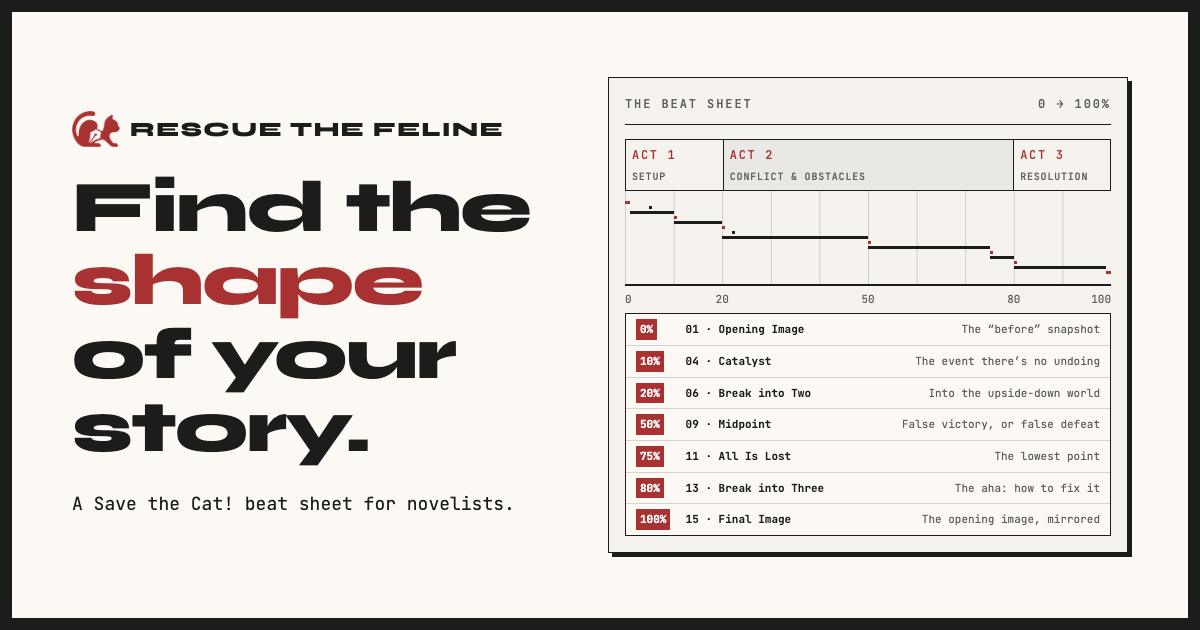
Save the Cat! gave me a structure to follow, and what I really wanted was a tool built around it. So I did what I always do and made one instead of writing the book.
Rescue the Feline sets up all fifteen beats for every new story and explains what each one is for. You fill in the beats, break the long ones into scenes, and drag scenes around on a board until the shape of the story holds up. Characters get their flaw, the lie they believe, what they want and what they actually need. The world gets an archive of places and rules, linked together with wikilinks and @mentions.
Some features
Story board
Beats and scenes in an overview where you can insert them, fill them in with title and summary and drag them around the timeline to your pleasure.
Character depot
A place to keep all of your characters, heroes or otherwise. Create them, add some descriptions, notes and tags.
Lore Archive
A lightweight wiki of sorts to keep track of all your lore. Add an entry, select a category like location, religion or politics, tag it and describe it!
Flexible notes system
All created notes end up in the notes section, but each note can also have a link to any other entity an will show up for them. You might add notes for your main character and it will show up both under all notes but also under the character page. You may also link a note to more than one entity, like to a character and a story beat or a character and a piece of lore.
Mentions and links
While the notes have very explicit links, you can also in any text body insert @mentions or [[links]] to make a link to any character or other entity.
Then write it
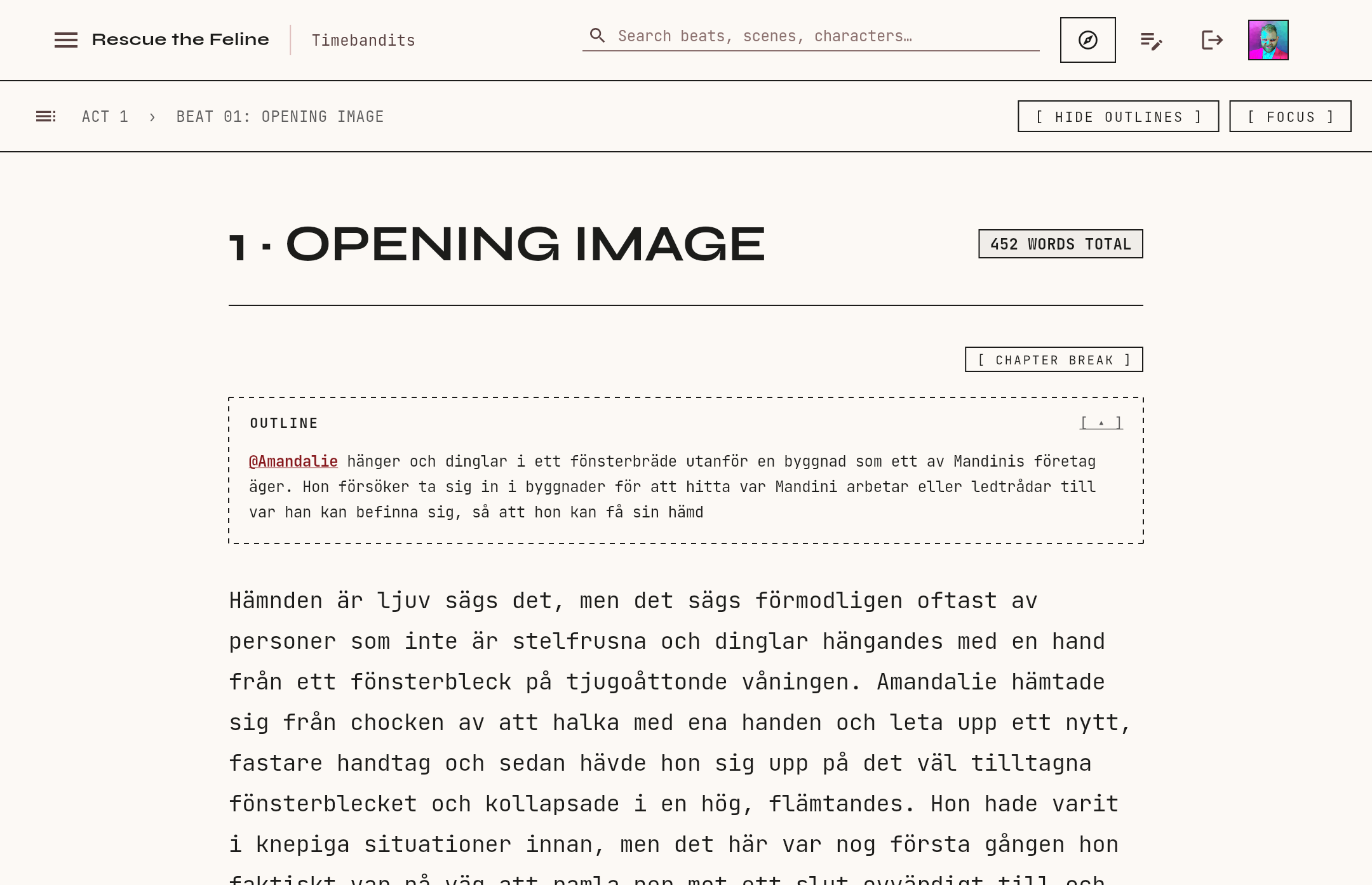
Eventually it dawned on me that the outline was the perfect place to write the actual book too, so now there's a manuscript built on top of it. Each scene's outline sits above the words written for it. Move a scene on the board and its prose moves with it. Set a target word count and it shows if a beat ends too early or too late. When the draft is done it exports as a Word file in standard manuscript format.
So the tool for avoiding writing now has a place to write. We'll see if that helps. 😅
What about AI
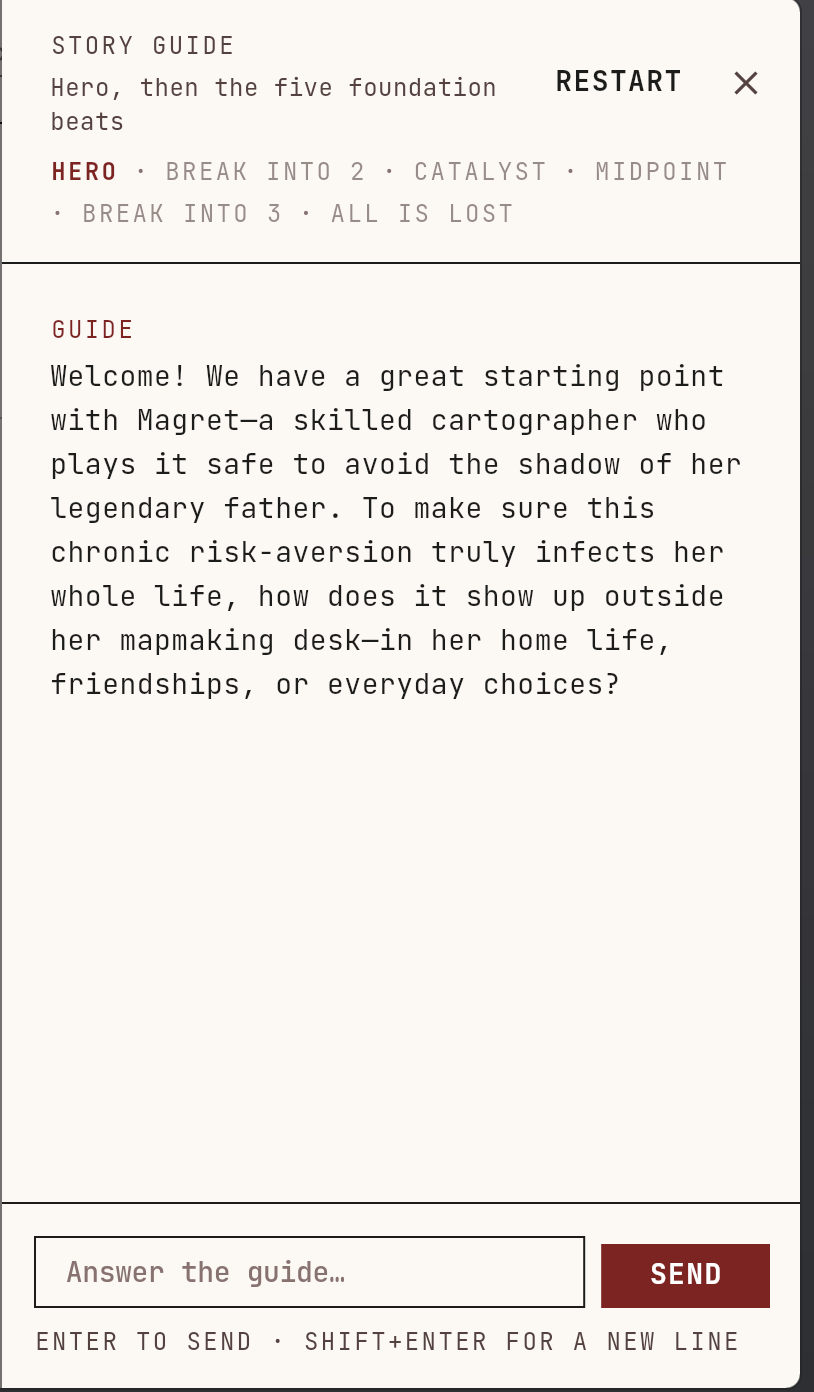
I was thinking that this could benefit from some sort of AI guide in getting started. I built in an experimental chat with an AI Guide to get you started on a book. It's very important that it does not write any of the prose itself, but it asks you some questions about your main character(s) and foundational beats and saves what you give it in order to get you started with your story!
Launch
I have no idea if and how to launch this in a reasonable way. The basic part I will probably open up as a free beta, but the AI tool will drain my account if I give free access to. Links will be put up here when available!
Things learned
- Making a planning tool is a very productive way of not writing.
- Planners use the same tool in different ways depending on where they are. Early on it's a set of prompts, in the middle it's a board to rearrange, and while drafting it's a reference to look things up in.
- Firebase's default emulator ports collide with the AirPlay Receiver on macOS. Ask me how I know.